\begin{article}
Getting Started with FormaTeX
Learn how to compile LaTeX documents to PDF in seconds using the FormaTeX API — no TeX Live installation required.

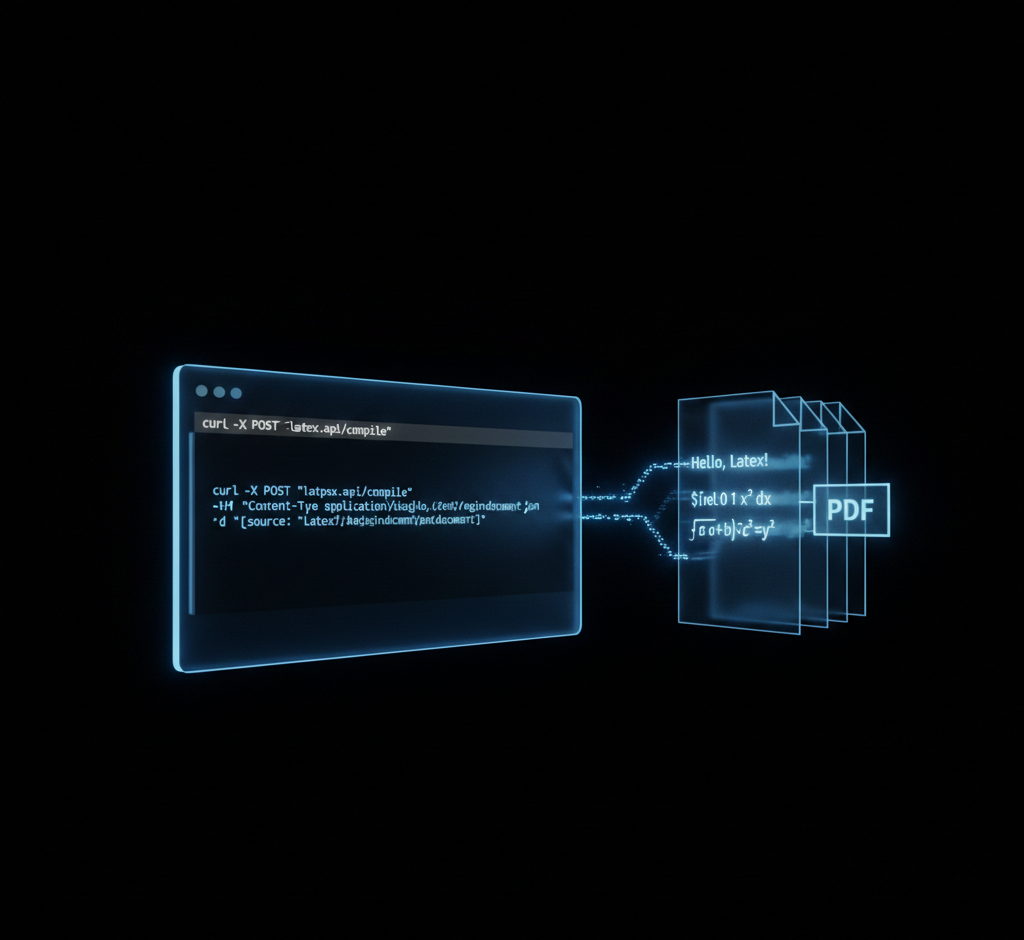
FormaTeX gives you a REST API that accepts LaTeX source and returns a compiled PDF. No 4 GB TeX Live install, no version mismatches, no maintenance — just POST and receive.
This guide walks through creating an API key, compiling your first document, and handling errors correctly.
Prerequisites
You need:
- A FormaTeX account (sign up free) — or try the Playground first without creating an account
- An API key from the dashboard
curlor any HTTP client
Creating Your API Key
After signing up, navigate to Dashboard → API Keys and click New Key. Give it a name — my-first-key works — and copy the raw key shown immediately. It is displayed only once.
Your First Compilation
Send your LaTeX source as a JSON body with the latex field:
curl -X POST https://api.formatex.io/api/v1/compile \
  -H "X-API-Key: YOUR_API_KEY" \
  -H "Content-Type: application/json" \
  -d '{
    "latex": "\\documentclass{article}\\begin{document}Hello, FormaTeX!\\end{document}",
    "engine": "pdflatex"
  }' \
  --output hello.pdf
The response is a raw PDF binary written directly to hello.pdf. That is the entire integration for simple documents.
Two response headers are always included on success:
| Header | Description |
|---|---|
X-Job-ID | Unique ID for this compilation job |
X-Compile-Duration-Ms | Server-side compile time in milliseconds |
Choosing an Engine
FormaTeX supports four LaTeX engines:
| Engine | Best for |
|---|---|
pdflatex | Standard documents, fastest |
xelatex | Unicode, custom fonts |
lualatex | Lua scripting, advanced typography |
latexmk | Multi-pass documents with bibliography |
The Free plan includes pdflatex. Pro, Max, and Enterprise plans unlock all four engines.
Handling Errors
When compilation fails, the API returns a 422 status with a JSON body containing the full TeX log:
{
  "success": false,
  "error": "compilation failed",
  "log": "! Undefined control sequence.\nl.5 \\badcommand\n...",
  "duration": 843,
  "diagnostics": []
}
The log field is the raw TeX compiler output — it tells you exactly where the error is. For a full breakdown of every status code and what to do about each, see the LaTeX API error codes guide. Common errors and fixes:
- Undefined control sequence — typo in a command or missing
\usepackage - File not found — multi-file documents need all sources included in the request
- Overfull \hbox — warning only; the PDF still compiles and is returned
- Unicode characters with pdflatex — switch to
xelatexor use Smart Compile withengine: "auto"
Using TypeScript
For a production-ready client with full error handling and Next.js integration, see LaTeX PDF generation in Node.js and TypeScript. A minimal example with fetch:
const response = await fetch("https://api.formatex.io/api/v1/compile", {
  method: "POST",
  headers: {
    "X-API-Key": process.env.FORMATEX_API_KEY!,
    "Content-Type": "application/json",
  },
  body: JSON.stringify({
    latex: latexSource,
    engine: "pdflatex",
  }),
});

if (!response.ok) {
  const error = await response.json();
  throw new Error(error.log ?? error.error);
}

const pdfBuffer = await response.arrayBuffer();
Tip: Store your API key in an environment variable, never in source code. Follow API key management best practices — the dashboard lets you set per-key expiration dates and revoke keys instantly.
Requesting a JSON Response
By default the API streams the raw PDF binary. If you prefer a JSON envelope (e.g., to embed the PDF as base64 in an API response), pass Accept: application/json:
curl -X POST https://api.formatex.io/api/v1/compile \
  -H "X-API-Key: YOUR_API_KEY" \
  -H "Content-Type: application/json" \
  -H "Accept: application/json" \
  -d '{"latex": "\\documentclass{article}\\begin{document}Hello\\end{document}", "engine": "pdflatex"}'
The JSON response looks like:
{
  "success": true,
  "pdf": "<base64-encoded PDF>",
  "jobId": "01J...",
  "engine": "pdflatex",
  "duration": 512,
  "sizeBytes": 14832,
  "diagnostics": []
}
Next Steps
- Try the Playground — compile LaTeX instantly without creating an account
- Browse the API reference for the full endpoint schema
- Try Smart Compile — AI-powered error fixing for documents that fail to compile
- Use async compilation for long-running documents with webhooks
- Explore engine comparisons to pick the right tool for your document
# That's it. Ship PDFs.
curl -X POST https://api.formatex.io/api/v1/compile \
  -H "X-API-Key: $FORMATEX_KEY" \
  -d '{"latex":"...","engine":"pdflatex"}' \
  --output result.pdf
Related Articles
- The Complete Guide to LaTeX Engines — Deep dive into pdfLaTeX, XeLaTeX, LuaLaTeX, and latexmk to help you pick the right engine for your document
- LaTeX API Error Codes: Complete Guide — Every 422, 429, and other error code explained with remediation steps
- LaTeX PDF Generation in Node.js and TypeScript — Production TypeScript client with full error handling and Next.js integration
- LaTeX API Authentication Best Practices — API key rotation, scoping, and secrets manager patterns for secure integrations
- Multi-File LaTeX Documents via API — How to compile projects with multiple .tex, .bib, and .cls files in a single request
\end{article}
\related{posts}